Spreadsheet brain, vault muscle
Type directly in the grid. Reveal or mask passwords per row or globally. Copy username or password in one click; copied passwords auto-clear from the clipboard after 20 seconds.
A local-first vault that works like a spreadsheet — fast edits, categories, one-tap copy — while your secrets stay encrypted on-device. Optional sync stores only ciphertext in your database; your master password is never sent to our servers.
Four ideas. No jargon wall — just what you get.
256-bit encryption
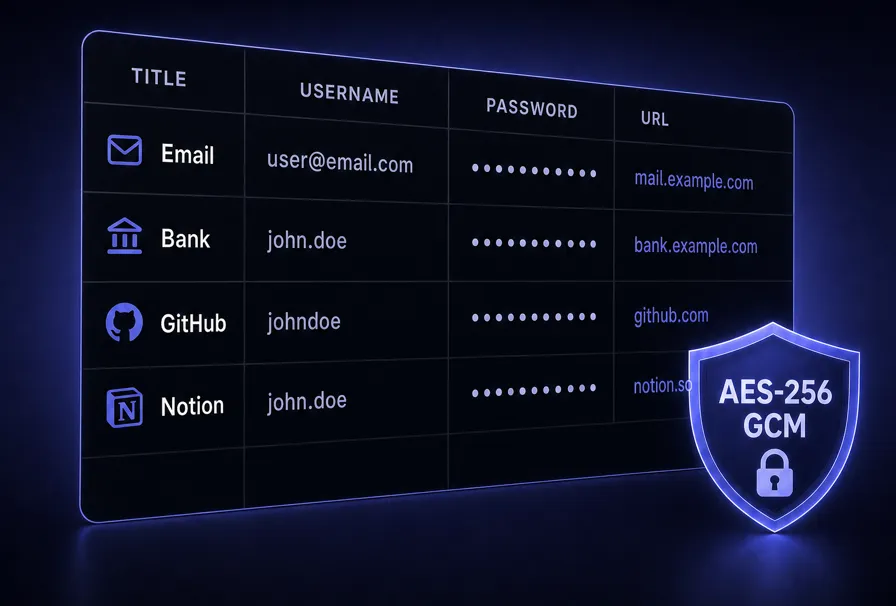
Edit passwords like a sheet — sealed with AES-256.
Zero-knowledge
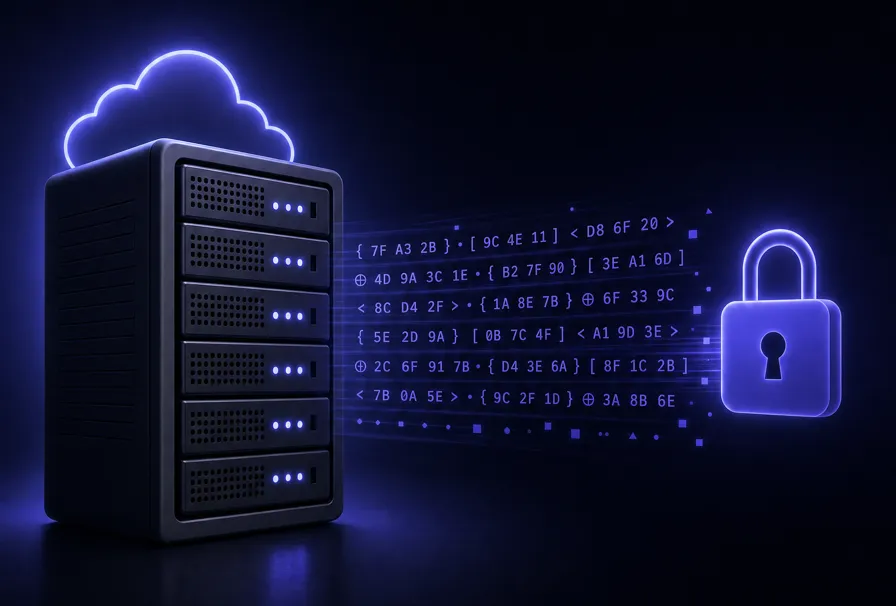
Only encrypted ciphertext syncs. Zero plaintext ever.
Web + mobile sync
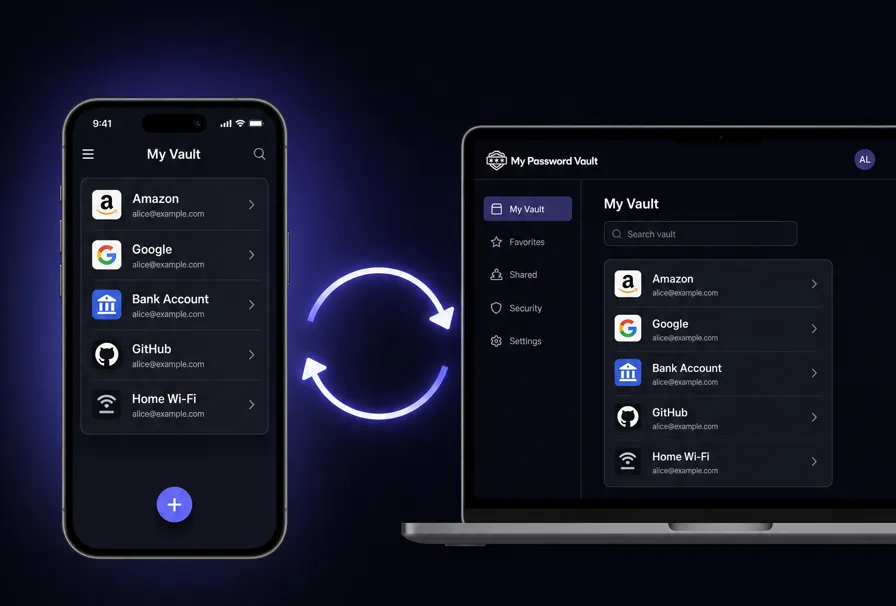
Your vault stays in sync across web and app.
No subscription
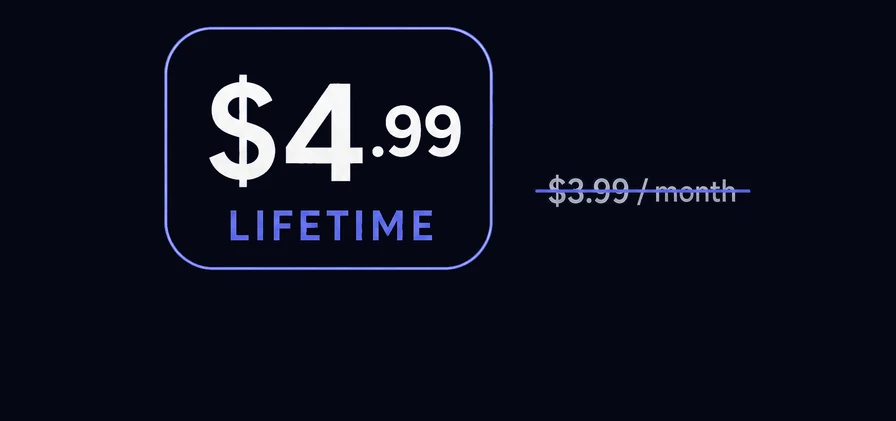
Up to 25 entries at no cost. Unlock unlimited with one $4.99 payment — no monthly fees.
No vault-inside-vault navigation. One grid: site, URL, username, password, notes — edit inline, expand rows for URL & memo, filter and sort. Categories keep teams and life buckets tidy.
Type directly in the grid. Reveal or mask passwords per row or globally. Copy username or password in one click; copied passwords auto-clear from the clipboard after 20 seconds.
Drag to reorder folders in settings. Search spans site, URL, username, notes, memo, and category — find the right row without hunting through menus.
Built-in generator with length and character-class controls, CSPRNG-backed generation, and bias-mitigated modulo — then drop the result straight into the row.
No. My Password Vault is zero-knowledge: we never receive your master password or readable vault secrets. Encryption happens on your device first.
Trade-off: If you forget your master password and lose your recovery options, we cannot reset the vault for you — because we never held the key. Save your recovery codes somewhere safe.
Cryptography runs in your browser via the Web Crypto API. Data at rest in IndexedDB is encrypted; the key material derived from your master password exists in memory only while unlocked.
PBKDF2-SHA256 with a per-vault salt and 600,000 iterations stretches your master password into a 256-bit key. Entry passwords and the TOTP secret are sealed with AES-GCM-256 and a random 12-byte IV per encryption — modern AEAD, not home-grown crypto.
master password + salt
        │
  PBKDF2-SHA256 (600k)
        ▼
 AES-GCM key (memory only)
   ├── verifier (proves master password)
   ├── TOTP secret
   └── each entry password (own IV)
When signed in, your vault can sync automatically as encrypted data in your database (e.g. Supabase with row-level security). The server stores what your browser already had: ciphertext. On every device you unlock with your passkey — Touch ID, Face ID, or device PIN — or with your master password and a backup code.
Reconciliation uses vault metadata timestamps so the newest snapshot wins when merging local and remote — predictable behavior for a personal vault.
Export a JSON backup anytime from settings or the lock screen. Import replaces or restores a device — ideal for migration or cold storage alongside sync.
Idle timeout (1–30 minutes or off) locks the vault automatically. Activity resets the timer so brief walks away don’t leave rows exposed.
First launch walks you through a vault you actually own — no vendor password to forget on top of your own.
My Password Vault is a local-first password manager for web, iPhone, and Android. Store site logins in an AES-GCM-256 encrypted vault with PBKDF2 key stretching, unlock with your master password plus passkey or TOTP two-factor authentication, and edit everything in a spreadsheet-style grid with categories, search, and one-click copy. Cloud sync is optional and uploads ciphertext only—we never receive your master password or decrypted secrets. Start free, then upgrade to PRO with a one-time license for unlimited entries and encrypted backup export.
Same tool for weekend admins and daily operators: fewer clicks, fewer tabs, more confidence that your credentials never left encryption you control.